
Enter Reservation Information
- Select Equipment
- Select Date
- Application
Information - Complete
-
Equipment Reservation Steps
-
Select the equipment and date you want to use, then continue with the reservation.
-
※ All equipment and spaces are available after access registration is approved.
Selected EquipmentChange
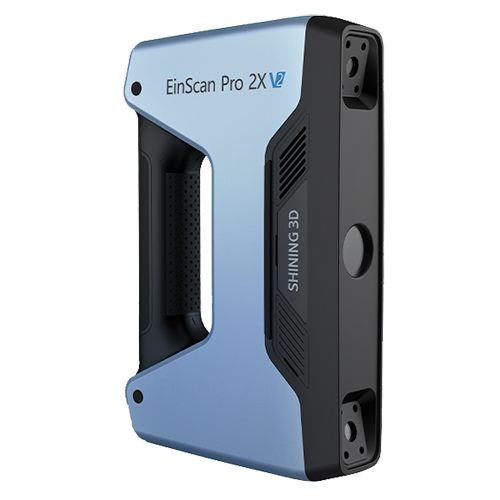
EinScan Pro 2X V2(NO.50)
-
Equipment Type
SHINING 3D
-
Equipment Description
-
**This equipment can only be used inside Idea Factory. Off-site removal is prohibited.**
-
**This equipment can only be used inside Idea Factory. Off-site removal is prohibited.**
